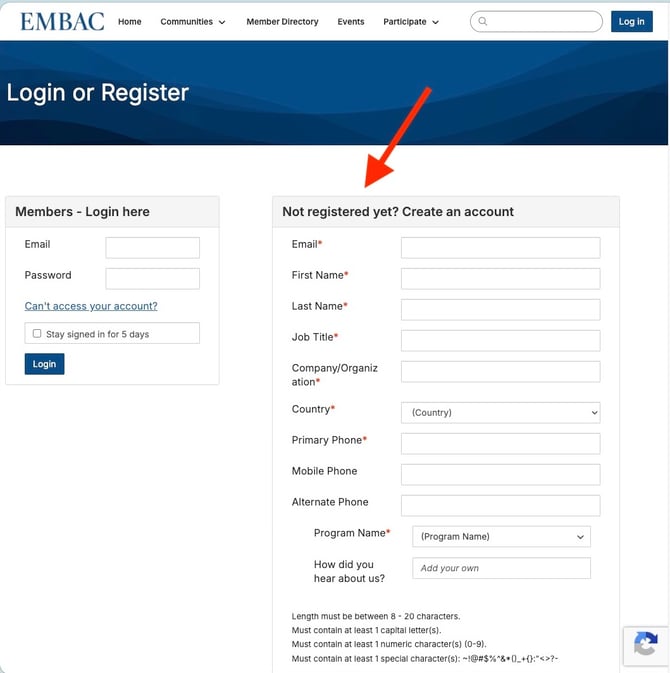
The EMBAC Connected Community is the association's private member portal.
First-time access instructions
- Visit https://embac.connectedcommunity.org/home
- Select Log In
- Use the Members – Login here box on the left
- Select Can’t Access Your Account?
- Complete the form to request a password reset
- Follow the email instructions to complete your login
Need help?
If you experience any issues accessing the member portal, contact: karen@embac.org